
About Unciv
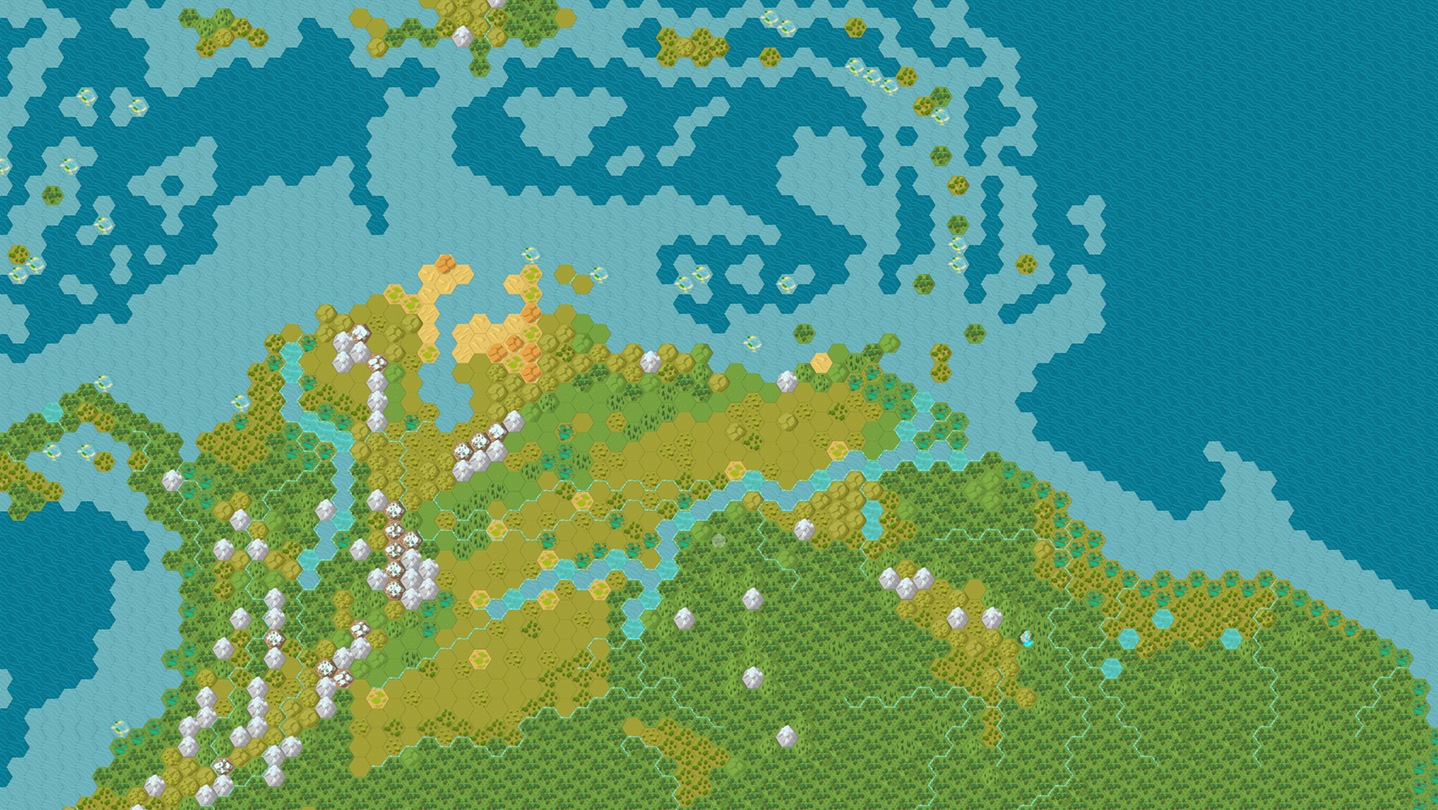
Unciv is a turn-based strategy game developed by Yair Morgenstern and a community of contributors. You lead a civilization, let its cities flourish and decide how to use its resources throughout the game. The project draws on Civilization V, with a plain visual presentation and plenty of room for modifications. It remains an independent game: its availability gives no access to the commercial products that inspired it. In the catalog of the category for Windows, it targets players who would rather weigh the consequences of a decision than react to every second of a fight.
Version 4.22.11 is supplied as an MSI installer for Windows and as a 64-bit Windows archive. The main code appears under the MPL 2.0 license. The interface draws attention to the map, the information and the development choices, without seeking staging on a par with a production full of detailed animations. This does not let you foresee performance in every game: the size of the map and the number of civilizations can change the needs. You can begin solo, then look into the rules, the modded content and the workings of multiplayer as the everyday decisions grow more familiar.
Weigh up the situation before ending the turn
The end-turn button gives a clear rhythm to your thinking. Before you press it, observe the units waiting for an order, the production under way and the new information. A local decision can bear on several turns to come: moving a unit, changing a production or launching research works over different horizons. Take the time to pinpoint what your civilization really lacks. Adding a building without grasping its upkeep cost or its function is not always worthwhile. To learn, settle on a modest map and difficulty so as to follow the consequences without multiplying fronts and cities right away.
Steer the cities toward a single goal
Cities are points of production and development that have to be read together. Observe the available resources, the land improvements and what each city can bring to your goal. Producing the same element everywhere can delay a more pressing need. Research too opens new possibilities, but an unlocked technology does not transform your organization on the spot. Check what you are actually able to build and maintain. A game gains clarity as soon as you tie your next choice to a precise intention: explore, defend a border, strengthen the economy or prepare a victory condition set by the rules in force.
Separate the base game from modified content
Unciv places modifications at the heart of its project. They can change the rules, the visual elements or part of the content offered. Read their description and compatibility before embarking on a long game. Advice cut for the base game does not necessarily stay valid when costs or units have been changed. Keep a copy of your saves before replacing the content they depend on. To understand a problem, try to reproduce it without piling on several modifications at once. This approach also makes it possible to compare two variants without blaming the program for a difference introduced by a module.
Set up an online game with the correct identifiers
The documented multiplayer rests on exchanging saves with a server. The participants must use the same server and pass one another the identifiers needed for the game. This way of working does not correspond to simultaneous combat where all orders travel continuously. Check the settings before you begin and agree with the other players on the content used. Access also depends on the service chosen: installing the client does not guarantee the permanent availability of a server. For a first look, a local game makes learning the rules easier without mixing a connection problem with a decision still poorly mastered on the map.
Install the Windows package and keep your saves
The official repository recommends the Unciv.msi file for Windows. Version 4.22.11 of this installer weighs exactly 90,034,395 bytes; that is not the total space required after installation. A 64-bit Windows archive is also published for users who prefer that format. Source code files and packages meant for the server do not replace the desktop client. Before an update, keep the important saves and note the modifications they go with. The project regularly releases new versions: compare their number and their notes when you are trying to reproduce a behavior or join an existing game.
Adopt a different strategy rhythm if needed
Freeciv also offers the building of a turn-based civilization, with its own rules and its own organization. It provides a fitting point of comparison if you wish to assess two approaches from this family. The Battle for Wesnoth places greater weight on tactical clashes between units and on scenarios. Warzone 2100 calls for real-time decisions around bases, research and vehicles. These differences count for more than a more or less detailed appearance. Choose Unciv for thinking paced by the turns and for its modding environment, then compare a whole game rather than just the first screen.
Key features
- Rise of a civilization driven by turn-based decisions
- Steering of cities and choice of what they produce
- Study of technologies that open up new possibilities
- Map and information rendered with plain graphics
- Adjustment of the game's rules and content
- Online games through the exchange of saves
- MSI installer and a 64-bit archive for Windows
- Main source code open under the MPL 2.0 license
System requirements
64-bit Windows package available; Minimum Windows version, memory and installed space not confirmed.
How to install
- Open the official project publications and select the stable version 4.22.11.
- Download Unciv.msi, then launch this Windows installer to follow the suggested steps.
- Open Unciv after installation and check the language and display settings.
- Create a local game with a simple map before adding modifications or setting up multiplayer.