
 Free
Freecalibre
calibre keeps your e-book collection in order, transforms file formats and makes reading easier.
Combine PDFs, trim a video, unpack an archive or try a strategy game. Start with what you want to do, then use Playmuno to compare the tools and games that could suit your PC.
 0 A.D.
Browsers, office, editors
Freecalibre keeps your e-book collection in order, transforms file formats and makes reading easier.
 Free
FreeA free office suite, LibreOffice bundles a text editor, a spreadsheet tool and a presentation program.
Microsoft Excel arranges data, automates calculations and produces summary tables.

Microsoft Office Home 2024 brings Word, Excel, PowerPoint and OneNote together on a single computer.
Photo, video, audio

Adobe Photoshop is for retouching photos and assembling layered image compositions on Windows.

Bandicam grabs the screen, games, video sources and audio, with easy trimming on hand.
 Free
FreeGIMP retouches your photos and assembles images with layers, masks and selection tools.

GOM Player Plus plays your videos with subtitles, playback settings and premium functions.
Archivers, cleaners
 Free
Free7-Zip builds 7z and ZIP archives, unpacks RAR files and locks their contents behind a password.
 Free
FreeAdwCleaner checks your PC for adware and unwanted programs.
AIDA64 Business catalogs PCs and combines diagnostics, change tracking and remote administration.
AIDA64 Engineer gathers hardware identification, readings and tests for Windows technicians.
Strategy, racing, classics
 Free
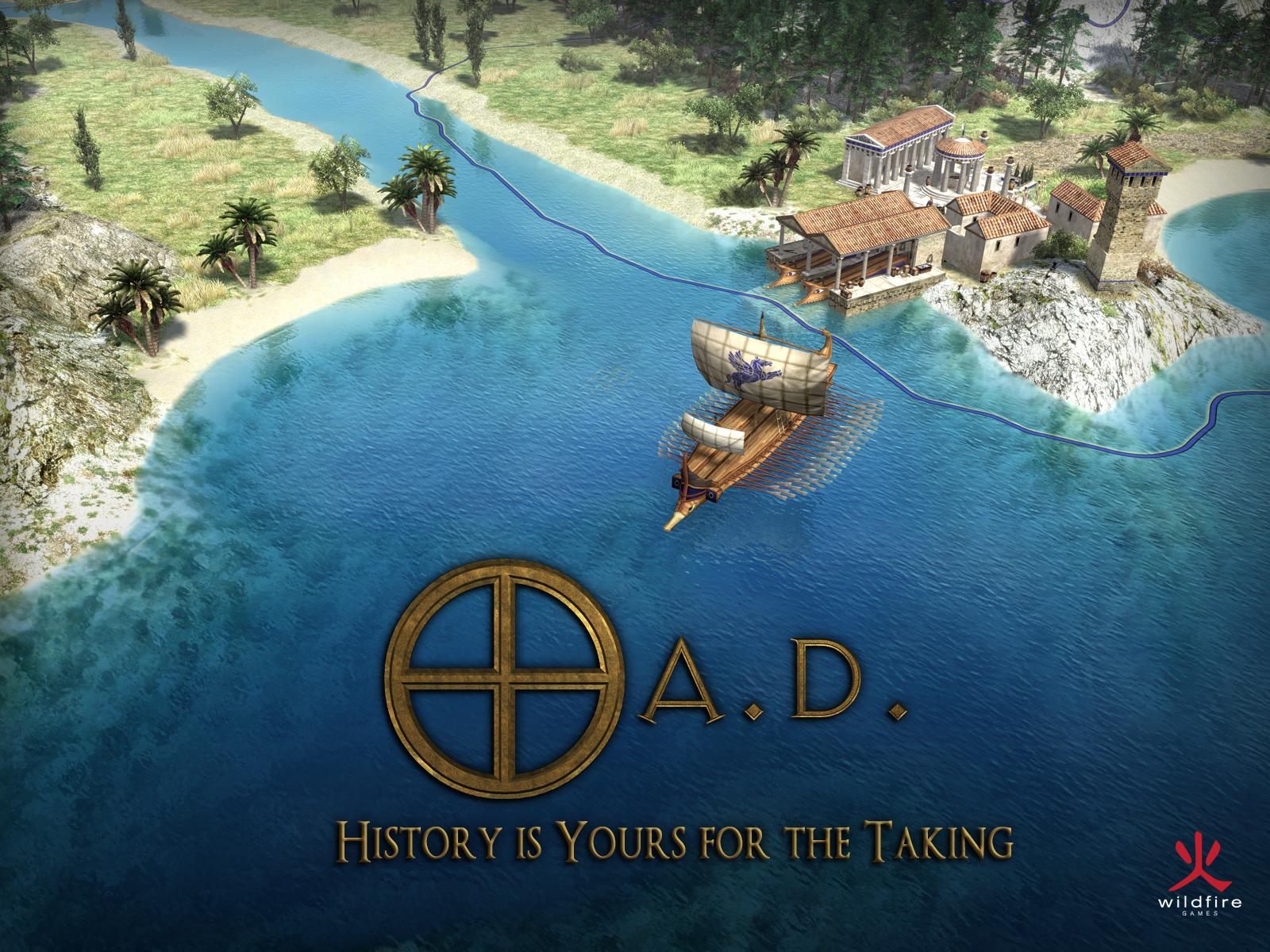
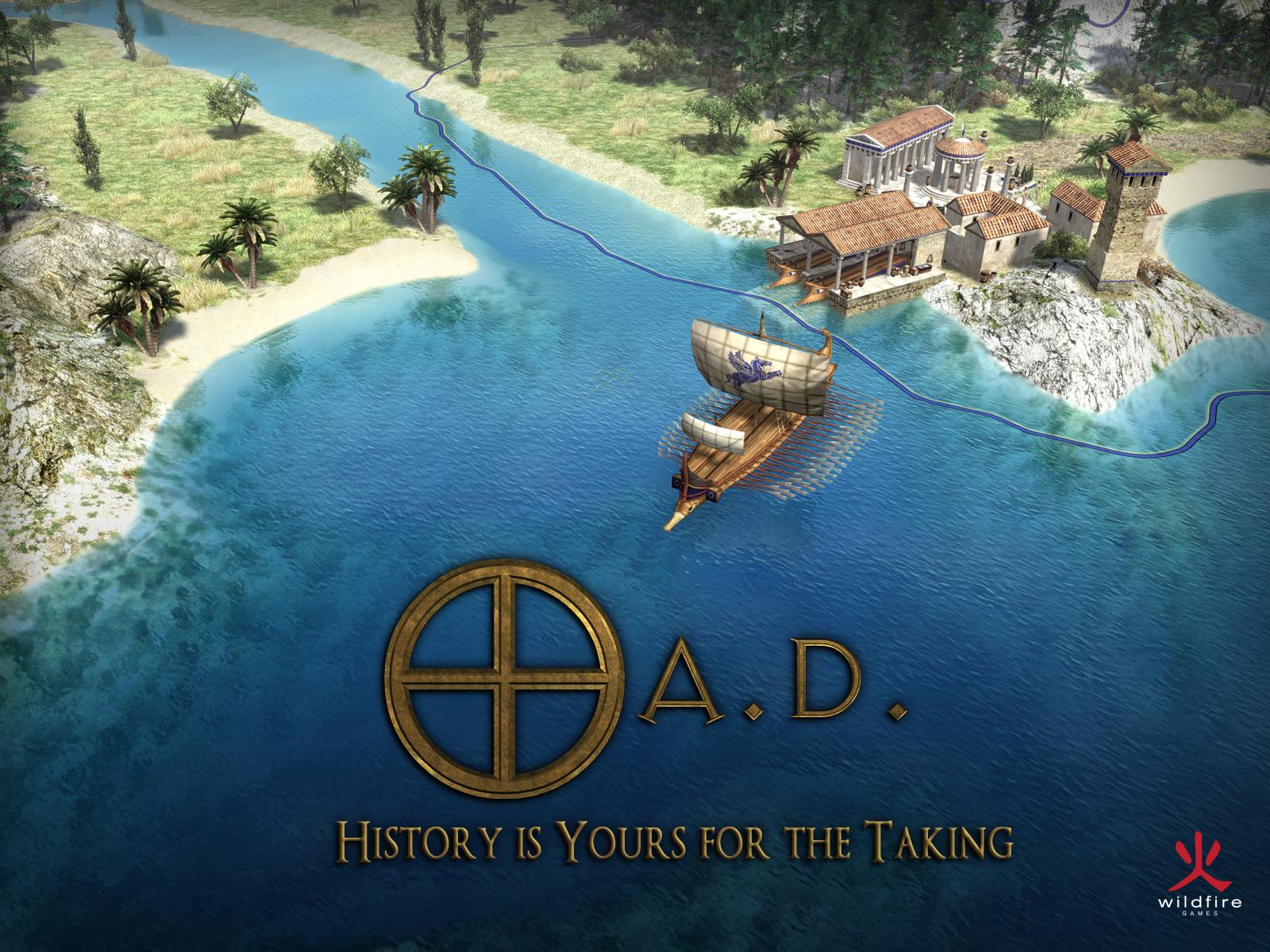
Free0 A.D. is a strategy game set in the ancient world in which you grow a city and lead your armies in real time.
 Free
FreeJump into brisk firefights, hone your aim against bots and build your own maps.
 Free
FreeThe Battle for Wesnoth lets you fight turn-based tactical battles set in a fantasy world.
Counter-Strike 1.6 delivers tactical team battles built around rounds and objectives.
Decide what you need to do. Combining documents calls for a PDF tool; shortening a recording calls for video trimming. Our guides group programs around these specific jobs so you can narrow down the options.
Look at the trade-offs. A program may have the right feature but need a newer version of Windows. Read the stated requirements and the limits of its free or paid edition before making a choice.
Consider another option. Comparisons and links between product pages let you explore a different way to solve the same problem, or find a game with something in common with one you already enjoy.