About Microsoft Excel
Microsoft Excel is Microsoft's spreadsheet application. It stores data in cells and, through formulas, ties each result back to the values you type in. This page covers Excel 2024 for Windows, available with a license that includes this edition. You can keep track of stock, split up a budget or weigh results from several periods against one another. Within a workbook, the sheets let you keep the source data, the calculations and the final presentation apart. That separation pays off once the figures change often and the document has to be refreshed without redoing every step by hand.
Within our category selection, Excel suits tasks above all where dependable calculations matter as much as a readable table. To stay on top of a project's spending, log each purchase on its own row, sort the amounts into categories and build a summary chart. The outcome still rests on the quality of the data and of the references your formulas rely on. Before you download Excel, be sure to tell the 2024 edition apart from the versions shipped with Microsoft 365: the available features, the related services and the licensing model may not match. Check as well the files you will have to share with colleagues or partners.
Keep entered data apart from calculated results
A list is easier to work with when every column holds a single piece of information: date, category, quantity or amount. Avoid putting different units in the same column. Set aside one area for the values you type in and another for the results formulas produce. You can then fix a value without hunting for it across several tables where it was copied. For an expense log, keep one row per transaction rather than piling several purchases into a single cell. Filters and calculations stay usable this way as the number of records grows and someone else has to grasp how the workbook is built.
Review references before filling a formula down
A formula can draw on values held in other cells. As you fill it down, relative references shift while absolute references stay put. That distinction is key when you want to apply the same rate across several rows. Try the calculation first on a handful of values whose result you already know. Then inspect the first and last rows of the filled range, because even a flawlessly written formula can point at the wrong cell. To make the workbook clearer, add explicit labels and keep editable assumptions separate from the results. Corrections then go more smoothly whenever the rate, the period or the quantities change.
Summarize a list without re-entering every total
Pivot tables let you group data and work out summaries along several dimensions. You could, for instance, line up spending by category and by month. Start by building a tidy source with recognizable headers and consistent values. Each time you change the list, make sure the summary draws on the data you expect and refresh it if needed. A believable total can hide forgotten rows or amounts stored as text, so check it against a simple test on the source. Picking a chart comes only afterwards, once the groupings genuinely answer your question.
Hand over a workbook that stays understandable
The XLSX format keeps the sheets, the formulas and the workbook's layout. A CSV export serves a different purpose: moving tabular data to software that expects delimited text. It does not carry over every feature of an Excel workbook. Before you send a file, state which sheet holds the useful data and which cells may be edited. For a read-only look with no recalculation, a PDF copy can be enough. Test the result at the recipient's end if their environment is not the same as yours: separators, dates and numbers call for special care when data moves between different programs or languages.
Plan for the right edition and the PC's resources
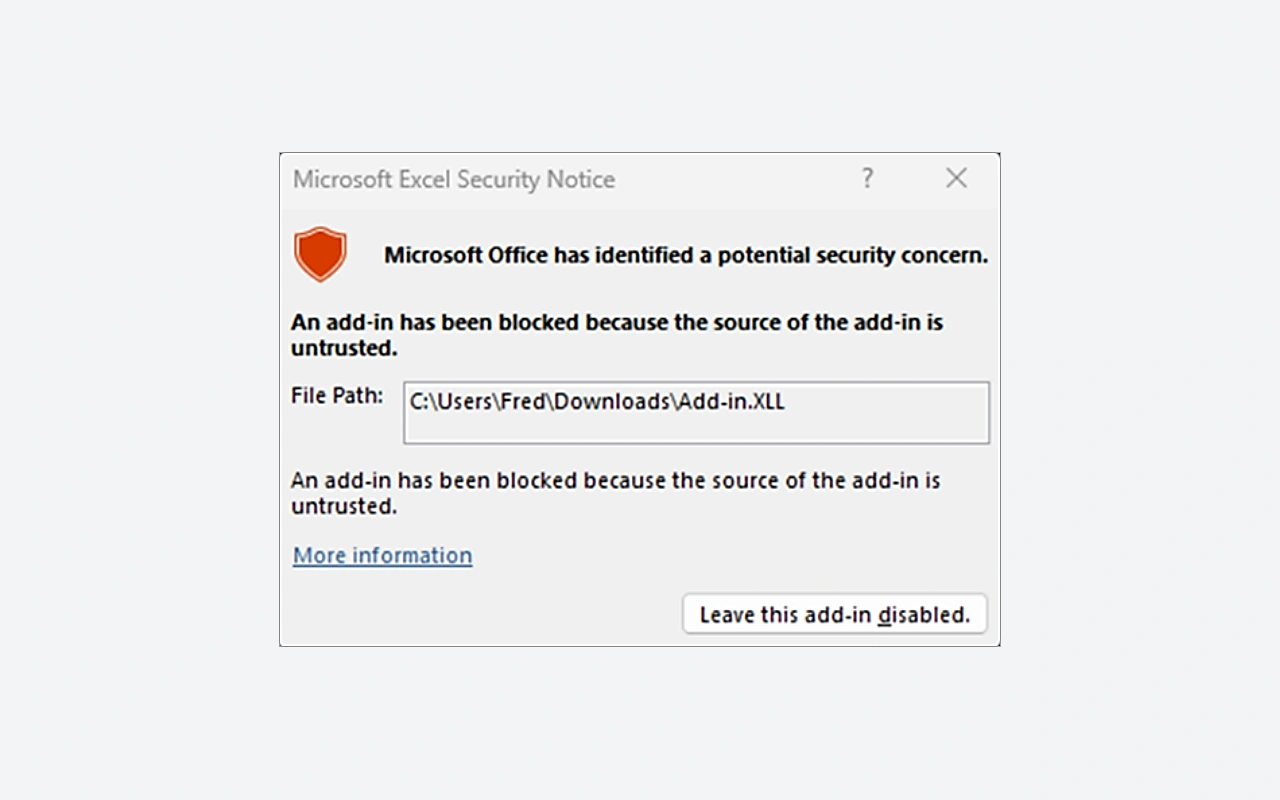
Excel 2024 calls for a suitable license, whereas the Excel bundled with Microsoft 365 runs on a subscription plan. The services and new features announced for Microsoft 365 are not automatically part of the 2024 edition. Microsoft currently lists Windows 11, 4 GB of memory and 4 GB of free disk space for the Office 2024 applications. Those figures do not promise the same comfort with every workbook: a large volume of data, calculations or links can push the requirements higher. Keep a copy of the file before any major rework and review the add-ins in use whenever you switch architecture or workstation.
Place Excel alongside the other tools in the catalog
LibreOffice ships with Calc, another spreadsheet worth trying on representative samples of your files. Look at the formulas, the charts and any special functions rather than merely opening the document. Microsoft Word fits a mostly written report better, even though it can hold tables, while Microsoft PowerPoint is there to present a summary to an audience. Across a full project, Excel can prepare the figures that feed those documents; even so, keep a single identified source to avoid conflicting copies. Pick the tool according to what you expect from the recipient: recalculating the data, reading an analysis or following a presentation talked through out loud.
Key features
- Spread data across several worksheets.
- Formulas that tie results back to reference cells.
- Filters for viewing only part of the records.
- Pivot tables for grouping data together.
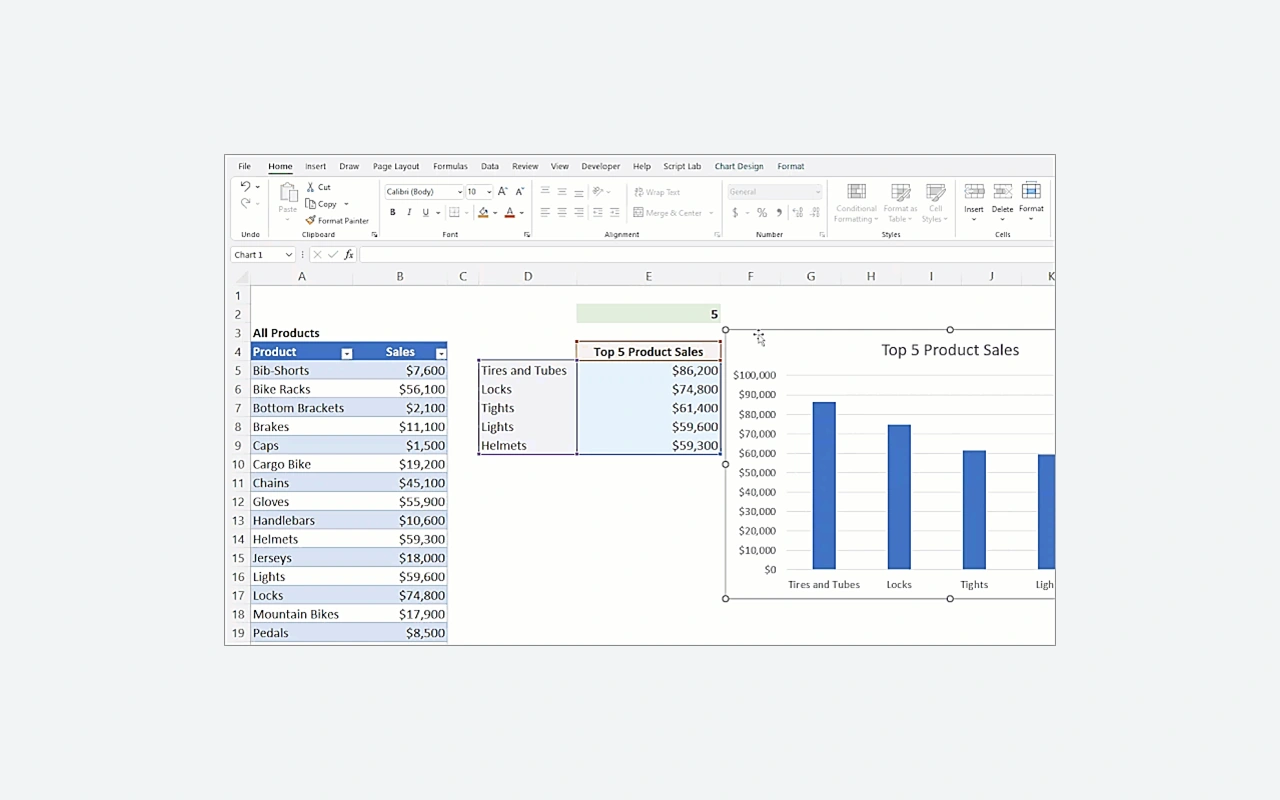
- Charts for showing comparisons and trends.
- Cell formats that display values properly.
- XLSX files that preserve calculations and formatting.
- Output of tabular data to CSV files.
System requirements
Windows 11; Office 32 or 64 bits depending on the package; 4 GB RAM; 4 GB free; 1.1 GHz dual-core processor; Internet activation required.
How to install
- Sign in to the Microsoft account associated with your Excel or Office license.
- Open the services and subscriptions of the account and choose the installation of the purchased product.
- Launch OfficeSetup from the Microsoft download and let the program install the applications provided by your license.
- Open Excel from the Start menu and complete activation with the account corresponding to your purchase.